<?php
// The letter l (lowercase L) and the number 1
// have been removed, as they can be mistaken
// for each other.
function RandomPass() {
// Comment the first line to exclude special characters
$chars = "!@#$%^&*";
$chars .= "abcdefghijkmnopqrstuvwxyz023456789ABCDEFGHIJKLMNOPQRSTUVWXYZ";
srand((double)microtime()*1000000);
$i = 0;
$pass = '' ;
while ($i <= 7) {
$num = rand() % strlen($chars);
$tmp = substr($chars, $num, 1);
$pass = $pass . $tmp;
$i++;
}
return $pass;
}
// Usage
$password = RandomPass();
echo "Random password is: $password";
?>
Posts tagged php
Web Dev > PHP created random password
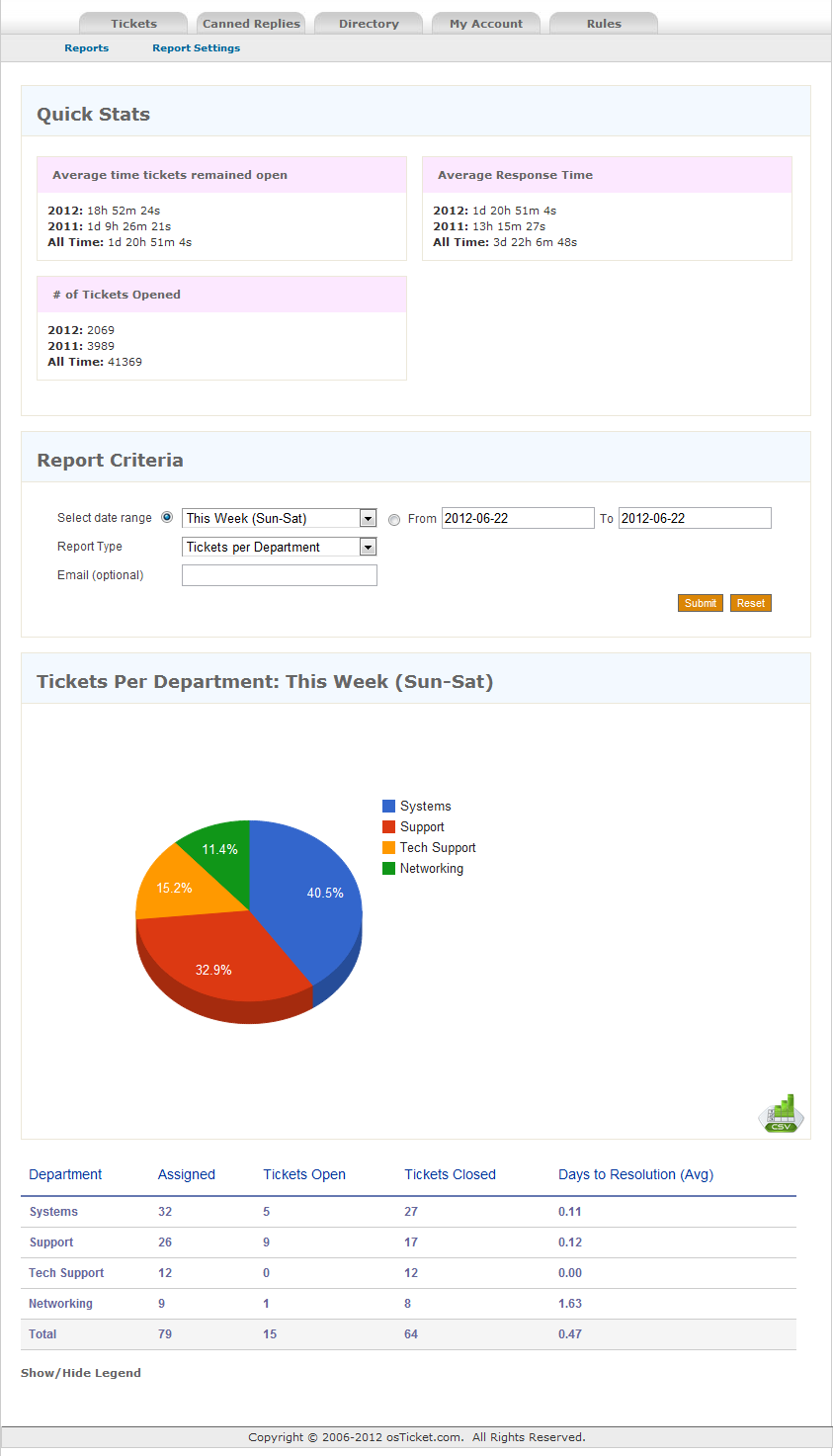
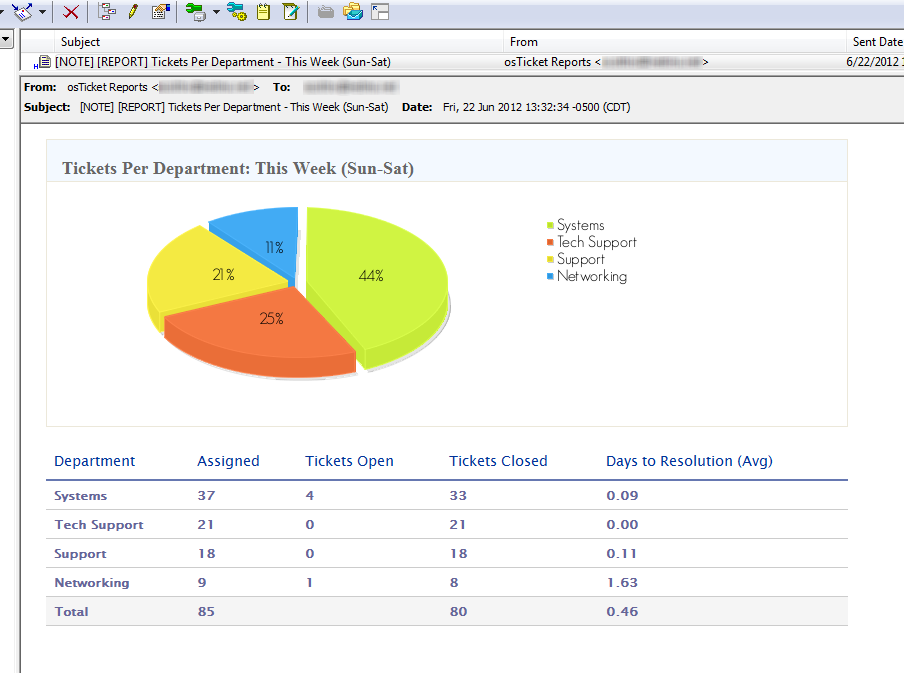
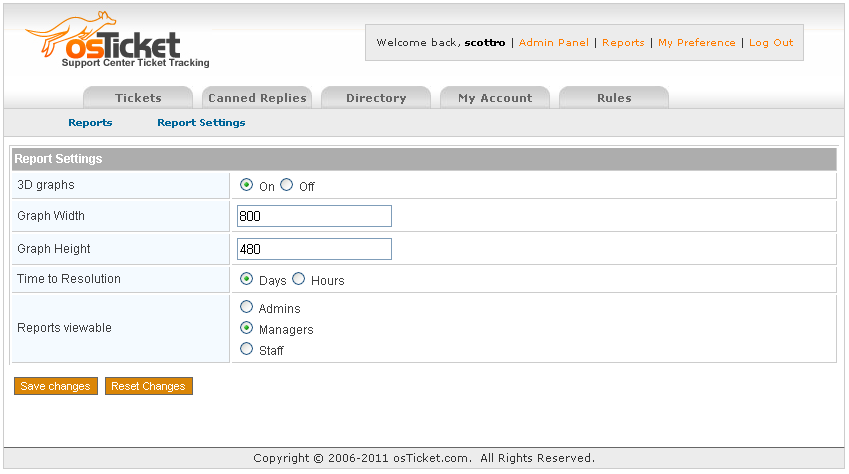
osTickets > Reports v4.2
NOTE: If you are running any versions from 2.3 to 4.1 the “Replies per Staff” report is WRONG. I strongly suggest you upgrade to 4.2+
Ok, so after being on the osTicket forum since July 2009 I’ve noticed that one big MOD that everyone wants and never fully gets is reporting. The following is my stab at it.
This MOD has been implemented and tested on 1.6ST and 1.6RC5, please let me know if you run into any issues.
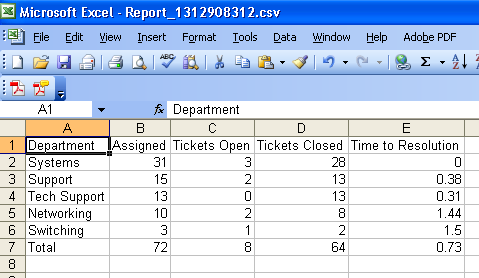
Note: For version 3.3+ you will need to create a scp/reports folder (and make sure its writable by Apache) and place the image (csv.png) into the scp/images folder.
Requirements: MySQL 5
Note: Reports v2.4+ is compatible with Internet Explorer.
Web Dev > Password protect webpage(s) with PHP & LDAP
The title says it all, this will allow you to restrict the access to a page or pages running php with access to LDAP. I’ve used this a few times for some internal things we don’t want everyone getting access to or similar scenarios. As always if it works for you, please leave a comment and if it doesn’t please leave a question and I’ll see what I can do to help you out.
Enable LDAP
First thing you’ll need to do is to install ldap for php & enable the needed mods, ldap.load & authnz_ldap.load
On Ubuntu:
apt-get update apt-get install php5-ldap cd /etc/apache2/mods-enabled ln -s ../mods-available/ldap.load ldap.load ln -s ../mods-available/authnz_ldap.load authnz_ldap.load apache2ctl graceful
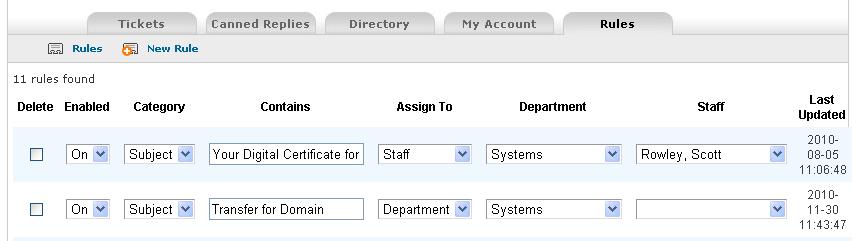
osTicket > Auto-Assignment Rules
The following is a MOD that I wanted to have for work and I noticed that several people have requested it in different threads on the forum over the years. This has been tested and is functional with 1.6RC5 AND 1.6ST

Purpose: Auto-assign tickets that are submitted via email based on their from address or Subject. If a ticket is assigned to a staff member it will automatically also be assigned to the department they are in.
Joomla > session.save_path error
“Cookies do not appear to be enabled on your browser client. You will not be able to install the application with this feature disabled. Alternatively, there could also be a problem with the server’s session.save_path. If this is the case, please consult your hosting provider if you don’t know how to check or fix this yourself.”
Should you run into this problem the issue is likely that the session.save_path setting in php.ini is set to either an incorrect setting, a wrong permission on the folder, or no setting at all. If you have access to the servers php.ini file you can change the setting to something like the following:
session.save_path = /tmp
If you do not however, have access to this file then your next option is to use a .htaccess file (obviously you will then need to hope you are on an Apache server, not Windows/IIS). You can then enter this setting into your .htaccess file and achieve the same result. For instance:
php_value session.save_path "/isp/websites/sites/example.com/docs/tmp"